AI Text Markdown Generator for Blog Posts
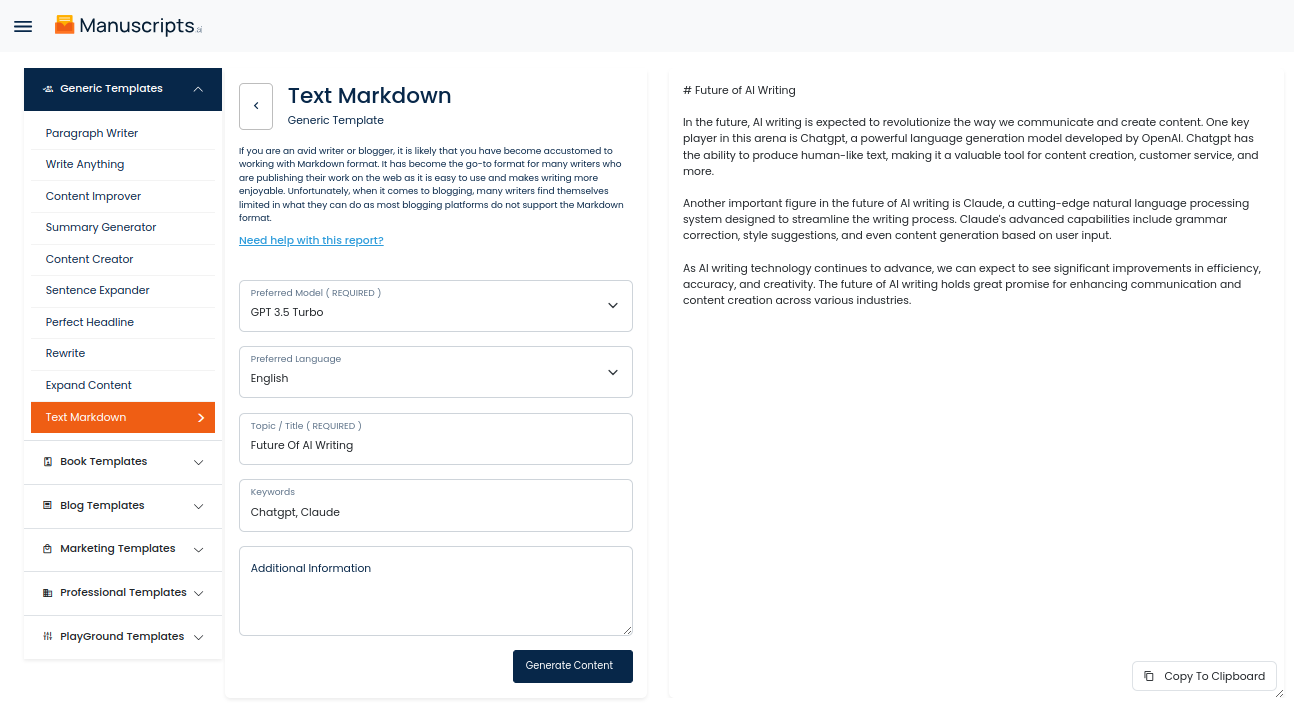
Our Text Markdown is an AI that enables you to get markdown content for your topics quickly and efficiently. With our Text Markdown, you can quickly create blog post markdown that is ready for publishing, eliminating the need for manual markdown conversion.
How To Text Markdown Using AI Tools ?
You simply provide our Text Markdown with a topic and a few brief sentences, and it will automatically generate a Markdown- formatted blog post that you can then copy-paste directly into any blogging platform. Not only does our Text Markdown provide you with a Markdown-formatted post, but it also provides a post title, format headings, and any necessary quotations and bolding. Additionally, it integrates natural language processing algorithms to ensure that all the text is relevant to the topic, making sure that your post conveys the most meaningful message.
To make sure your post looks its best, our Text Markdown also provides styles and formatting options. For example, you can select between classic serif or non-serif fonts, change text size, adjust line-spacing, and even choose different colors for your headings.
When you’re done, our Text Markdown will generate a post not just in Markdown, but also in other formats such as HTML and PDF. You’ll also be able to share it directly to social media with just one click of a button.
Save time and energy and take the hassle out of blogging with our Text Markdown. Get markdown content quickly and easily with the help of our AI.
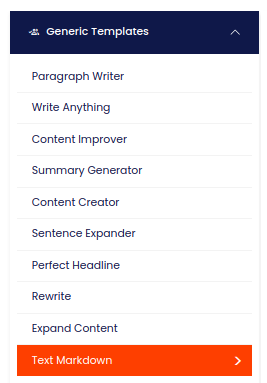
| 1) Dashboard Option |  Manuscripts.ai |
| 2) Dashboard Sidebar Option |  |
| 3) Book Editor Sidebar Option |  |