AI Tools for Perfect Headlines: Generate Attention-Grabbing Titles
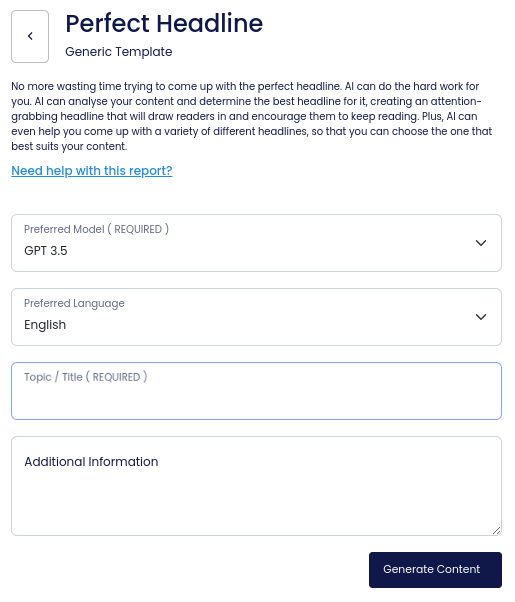
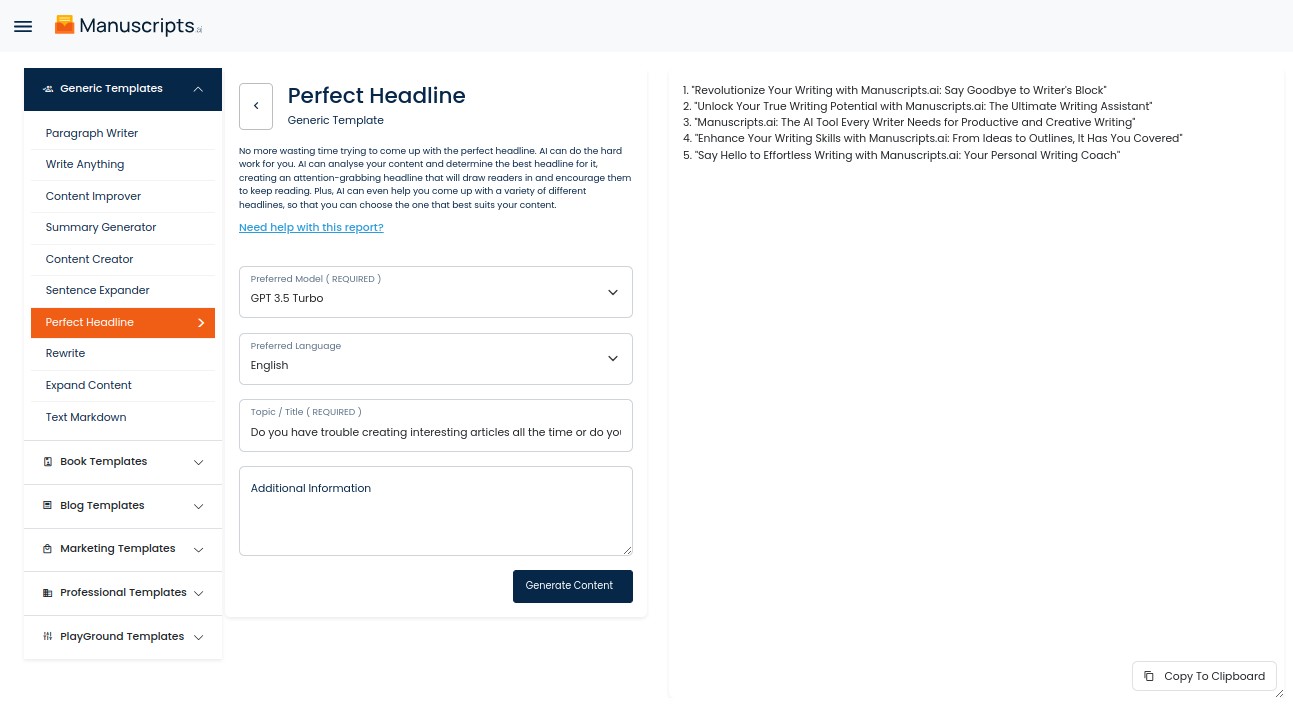
AI can be a powerful tool when it comes to generating headlines that are both attention-grabbing and informative. With an AI-powered report, you can save time and effort by having the AI automatically determine the best headline for your content. All you need to do is input a description or summary of your content and the AI does the rest. It then provides you with a variety of different options so you can choose the one that best suits your content.
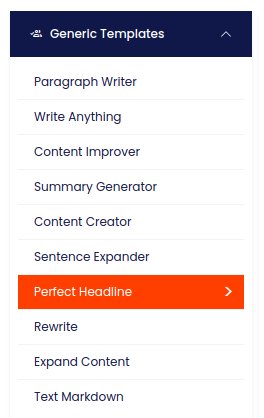
How To Generate A Perfect Headline Using AI Tools ?
The AI uses various algorithms and deep learning techniques to identify patterns and salient factors in your content. This helps it determine the type of headline that will be most effective to draw in readers. It can then generate a headline that is crafted to your topic, tone, and audience.
What’s more, AI-generated headlines can help you save time and money. Rather than needing to manually craft each headline, you can save the task for AI. This means you can focus on other aspects of your content instead, freeing up time and resources for other tasks.
Overall, AI-generated headlines are designed to be an effective tool that can save you time and effort. With a detailed description of your content, AI can quickly and reliably generate headlines that are both attention-grabbing and informative. Whether you have a blog post, news article, or other sorts of content, AI can generate the perfect headline to draw readers in.
| 1) Dashboard Option |  |
| 2) Dashboard Sidebar Option |  |
| 3) Book Editor Sidebar Option |  |