
Industry Trends AI Tool: Analyze & Predict Market Shifts
In today’s fast-paced and ever-evolving business landscape, staying updated on industry trends is crucial for making informed decisions, staying competitive, and seizing new opportunities. This is where Industry Trends AI tool comes in. This innovative tool harnesses the power of artificial intelligence to provide real-time, accurate, and actionable insights into the latest trends shaping your industry.
How to Generate Industry Trends Using AI Tools?
The Industry Trends AI tool leverages advanced machine learning algorithms to analyze massive amounts of data from various sources, including market reports, social media, news articles, and industry publications. By processing and interpreting this diverse data, the tool generates comprehensive reports and visualizations that highlight emerging trends, consumer behavior patterns, market dynamics, and competitive landscapes.
Furthermore, the tool can be customized to track specific keywords, industries, or market segments, allowing businesses to focus on the trends that are most relevant to their operations. Whether it’s tracking the rise of a new technology, understanding shifting consumer preferences, or identifying potential disruptors, the Industry Trends AI tool equips businesses with invaluable insights that drive strategic decision-making and innovation.
The proactive nature of the tool enables businesses to anticipate market shifts, adapt their strategies, and capitalize on emerging opportunities before their competitors. With the Industry Trends AI tool, businesses can confidently navigate the complexities of their industry, mitigate risks, and create a roadmap for sustainable growth and success. Embrace the power of AI and stay ahead of the curve with the Industry Trends AI tool.
STEP 1
Gain access to powerful AI tools simply by clicking on the AI Editor Tool option. Once you click it, you’ll be taken to the AI Editor Tool page, where you’ll be able to utilize a wide variety of AI tools to your advantage. So if you’re looking to make the most out of your AI experience, then clicking on the AI Editor Tool option in the main menu is your first step!
| 1) Dashboard Option |  |
STEP 2
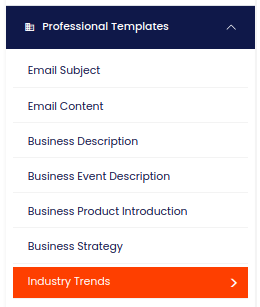
STEP 3
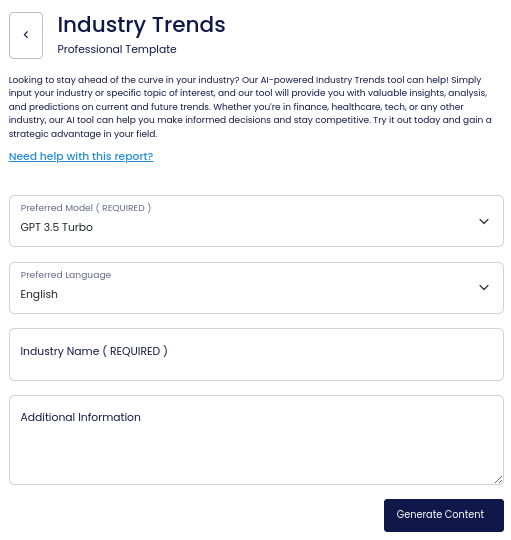
On the left side section, fill out the form with the input content that you would like to run as input.
If there are any other form inputs, then fill them in (this will only be applicable to certain reports; if this is not available, skip to Step 4).
STEP 4
Generate your content by clicking on the Generate Content button.
STEP 5
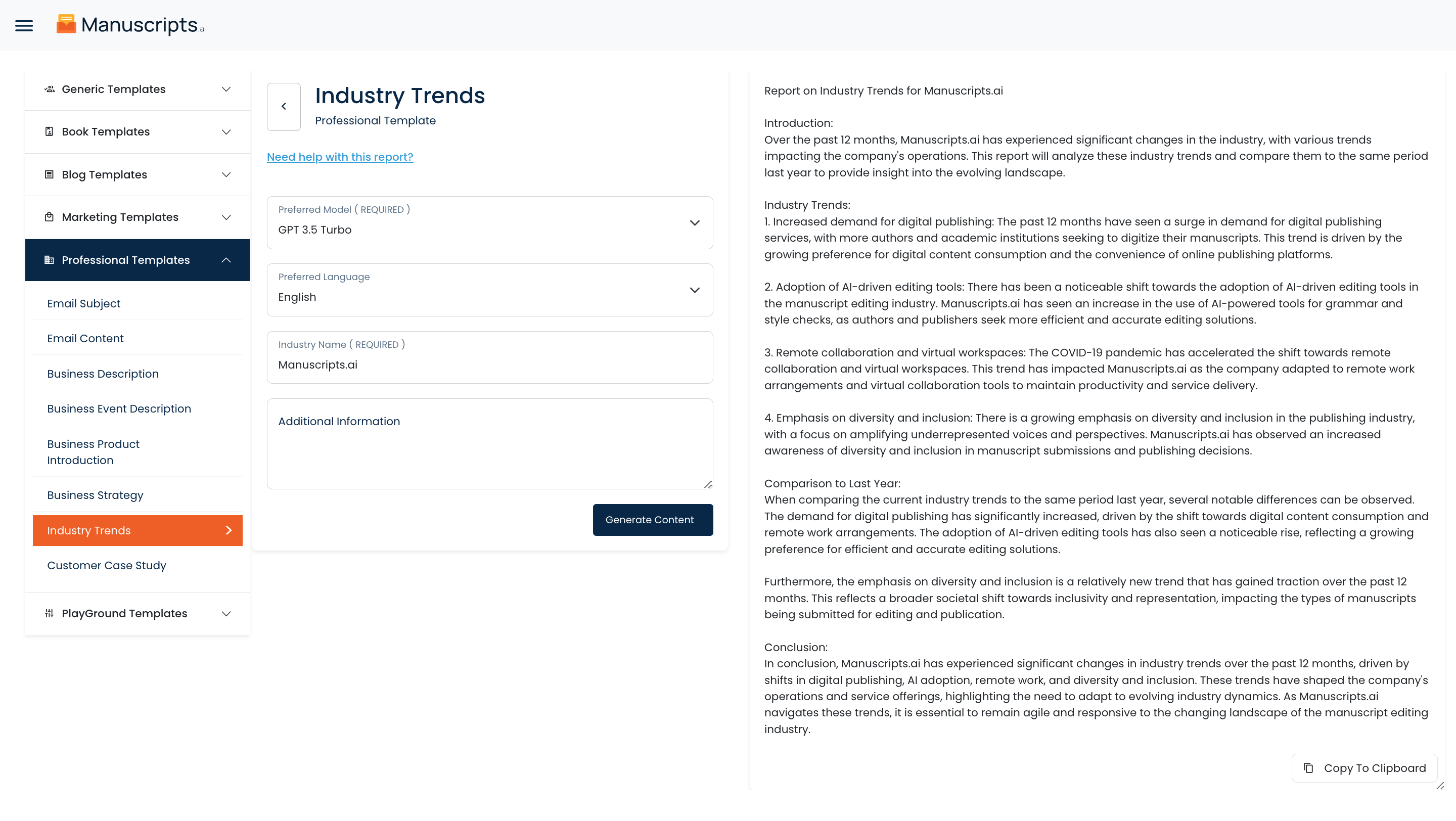
Your output content will appear on the right side of the section after a short while.
STEP 6
Copy your output content for further use by clicking the Copy to Clipboard button.
Note: You can also access your output content from the History section in the future.