Generate Google My Business Descriptions with AI
With this automated system, you can generate content with the press of a button, saving you time and energy. This is especially beneficial for small businesses who don’t have the resources to create content regularly. You’ll also be able to customize the content to reflect your brand, adding visuals, making them long or short, and more. This allows you to make sure the content is perfectly tailored to your audience.
How To Generate Business Description Using AI Tools ?
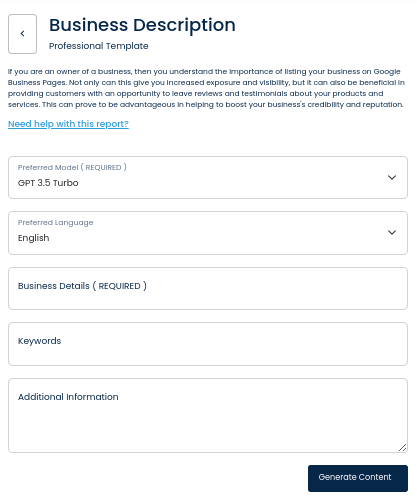
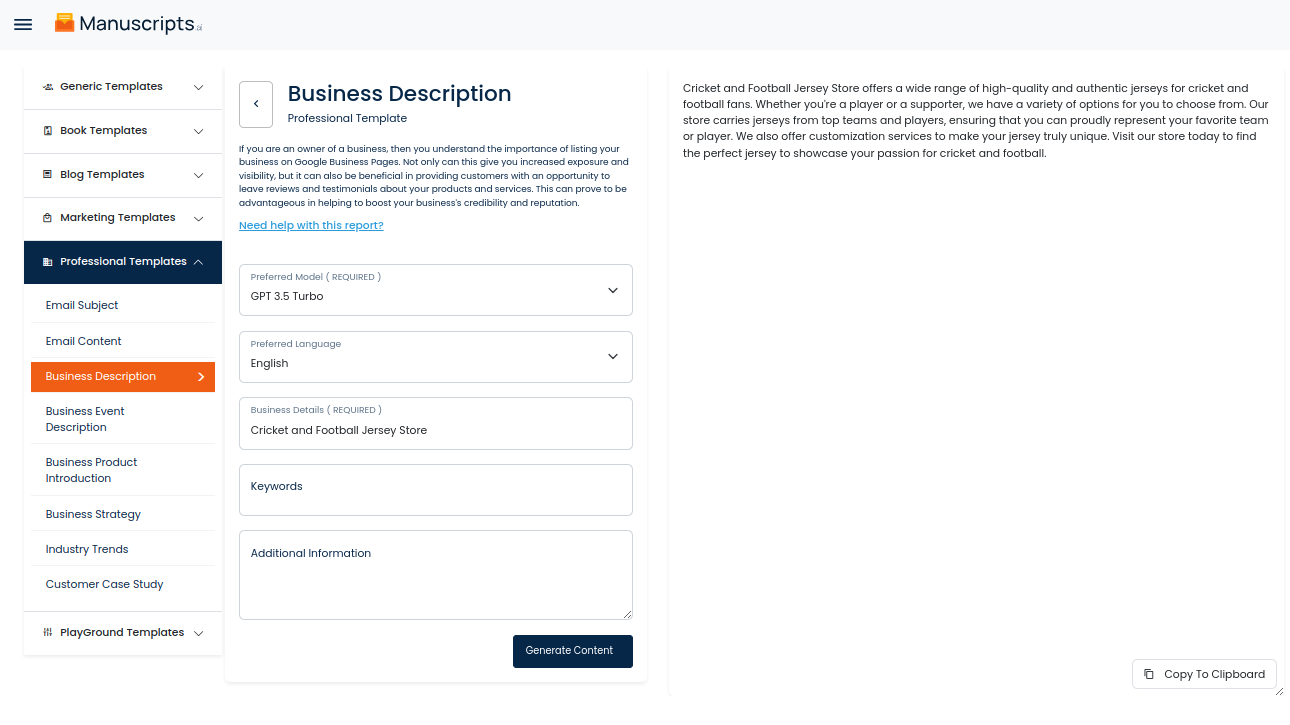
Thanks to cutting-edge Artificial Intelligence (AI) technology, businesses now have the opportunity to generate content for their Google Business Pages with ease. This powerful AI-driven report analyzes the inputted business details to create intelligent, relevant content appropriate for the business. By providing information such as the type of industry, location, and business goals, the report is then able to suggest topics to discuss, keywords to use, and other tips to create quality content that potential customers can benefit from.
Writing content for your Google Business Page manually can be time consuming and overwhelming. Fortunately, businesses can now leverage the power of AI to ensure that their content is of the highest quality without having to invest hours of manual labor. AI is especially useful in the creation of localized content as it can properly consider the specific location to ensure that the content produced is relevant for the customers in the area.
The report has the capability to generate content at scale. With the click of a button, businesses can quickly achieve the same results of creating quality content as that of a professional copywriter. This can enable businesses to efficiently distribute content to their customers—a major advantage in an increasingly competitive online world.
Overall, businesses can expect a seamless, automated process from start to finish. The AI-driven report takes input business details and effortlessly generates relevant, effective content without the need for manual efforts, saving businesses precious time and money. With AI-generated content, business owners can rest assured that their Google Business Page content meets quality standards and successfully captures the attention of potential customers.
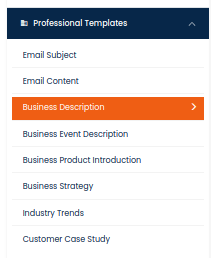
| 1) Dashboard Option |  |
| 2) Dashboard Sidebar Option |  |
| 3) Book Editor Sidebar Option |  |