Chapter Generator
The chapter generator tool does all of it, whether it is genre or style; it assists in easily brainstorming a writer. The synopsis previews the plot with vivid, glowing characters and locations unique to them. The outline guides the progression, while scene beats add depth and details for each chapter. This is an incredibly advanced tool that makes writing smooth and creative.
How To Use Chapter Generator Feature?
The user will get the opportunity to generate their very own chapters, which will further the storyline in their image or guideline. This is the part of the use of the features, like a brain dump of ideas, the genre and the style of the story, along with the synopsis of the plot and cast of characters and key things/locations, by which the users can produce their very own chapters—highly, in its essence, it supports the chapter generator feature as a facilitator of generating customized chapters.
1. What is Braindump In Chapter Generator feature?
This should be ideas, themes or concepts, which serve as the foundation of the story. Anything from character motivations or plot twists to the description of a setting may be put here.
2. Genre and Style:
In the chapter generator feature, genre and style introduce a further subtext of tone and mood necessary for the story. Whether it’s a mysterious thriller, a science fiction adventure, or a romantic comedy, all these help guide the user to have him make a chapter that follows the main theme of the story.
3. Synopsis:
In the chapter generator feature, the synopsis of the plot can be built to generally explain the occurrences in the plot by adopting events and conflicts that drive the story ahead. This will engender a good deal of direction and some purpose for the user in generating the chapter.
4. Characters & Things / Location:
The characters cast and some key things are the ones that lend life to the narration as consisting of realistic characters. From the protagonist, through the villain, to the famous magic device, the characters and items are important to form the plot.
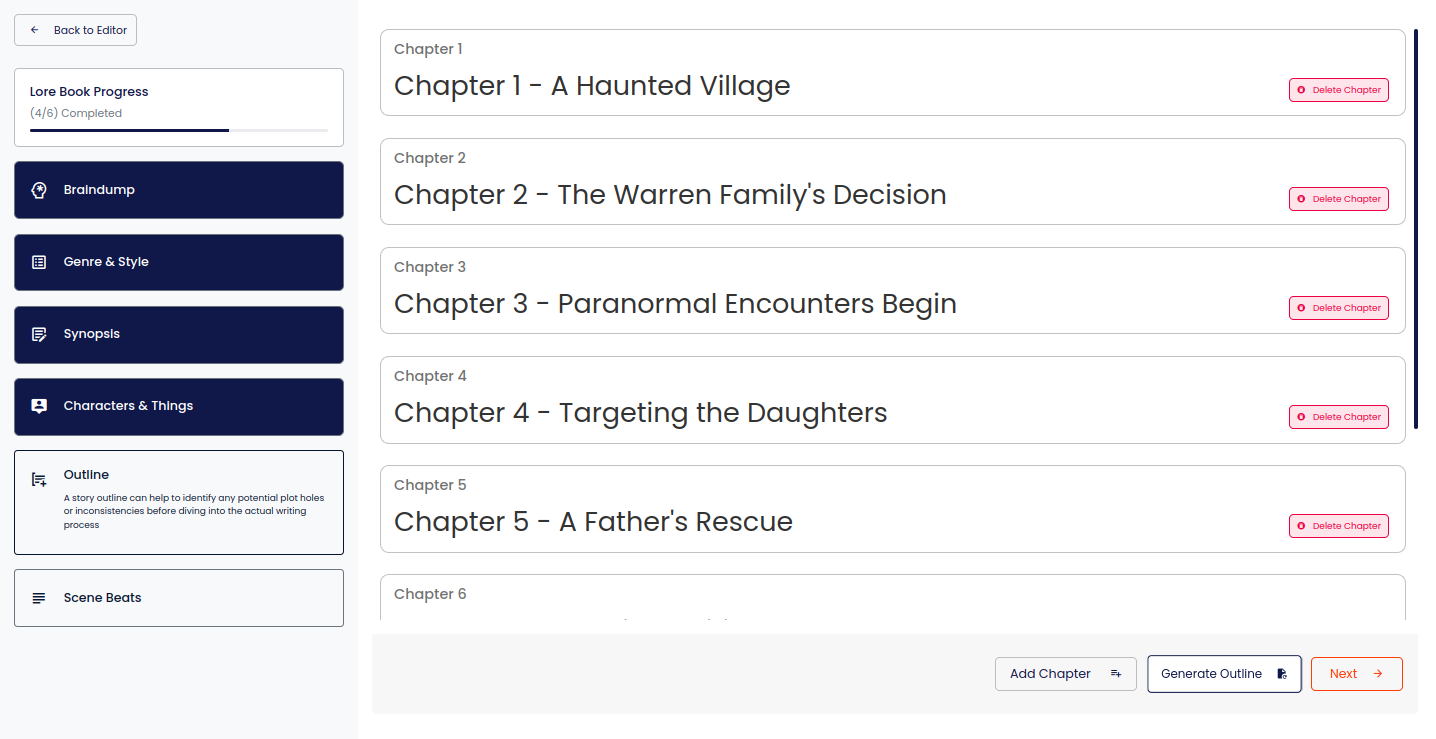
5. Outline:
– Establishing Shot/ Introduction: Introduce the setting of the scene and the main characters.
– Conflict: Develop a problem or challenge.
– Resolution: The conflict needs to be settled, and a satisfactory close be brought to the chapter.
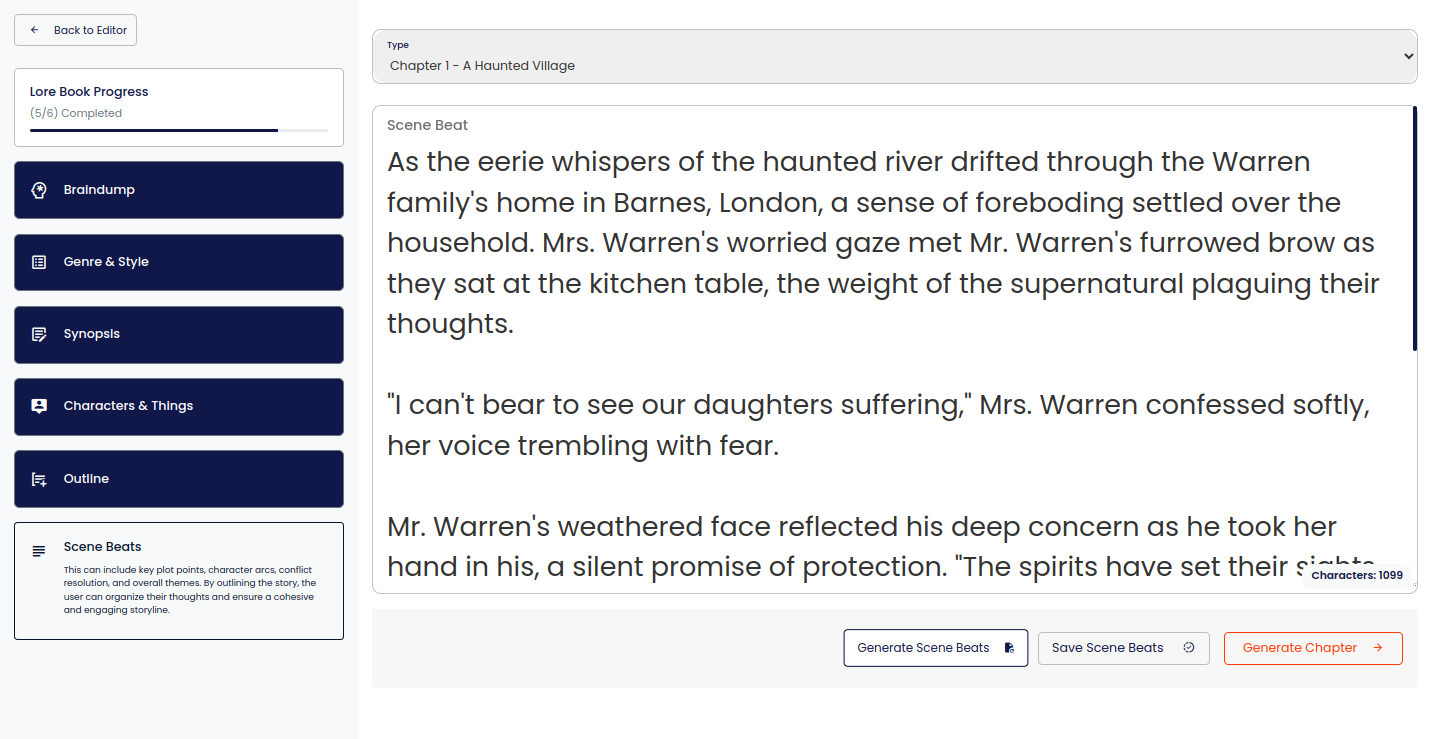
6. Scene Beats:
1. A problem faces the protagonist to try his strength.
2. Emergence of an anonymous figure who throws off all the lead plans of the protagonist.
3. The protagonist gets hold of the mysterious clue in finding the truth behind the mystery.
4. An intense confrontation between the protagonist and antagonist.
5. Shocking plot twist that changes everything for the characters.
Chapter generator feature allows one to be innovative and add quality to the story. Whether they stay on course or continue with their new originality in terms of twists and turns, this feature makes one feel empowered to become an active participant in the telling.